 Fablum
EPUB · iPhone · iPad · Android
An EPUB reader that keeps out of the way.
Open your EPUB books in a calm reader. Set the type and the page colour once, then read. Fablum keeps your place.



- Type size
- 70 to 200%
- Page colour
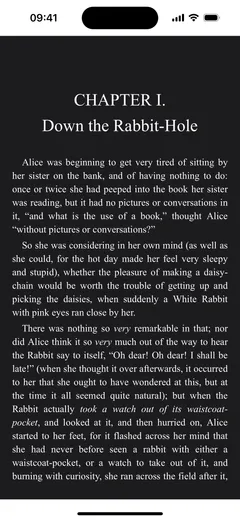
- Light, sepia or dark, or follow the system
- Layout
- Turn pages, or scroll
- Contents
- Jump to a chapter from the book’s table of contents
- Progress
- Saved as you read
- Add books from
- Files, a web link, or “Open in” from another app
- Read aloud
- Text-to-speech in your device’s own voices1
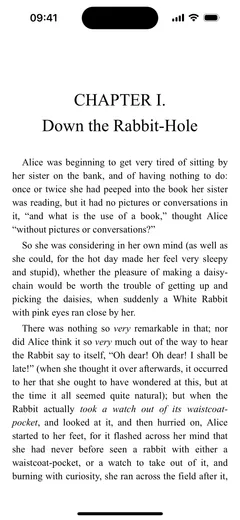
Light, sepia or dark.
Pick the page colour that suits the light you read in, or let Fablum follow your system setting.
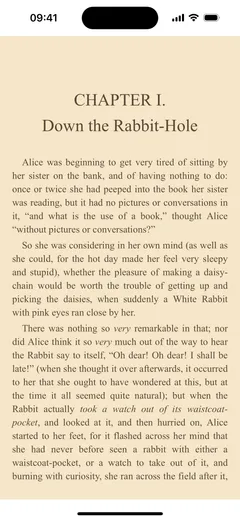
Type from 70 to 200%.
Change the type size, and choose whether you turn pages or scroll. The book’s table of contents takes you to a chapter, and Fablum saves your place as you read.
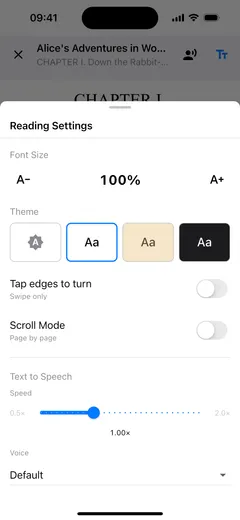
Bring your own books.
Add EPUB files from Files, download one from a web link, or send it to Fablum with “Open in” from another app. Fablum is on iPhone, iPad and Android.
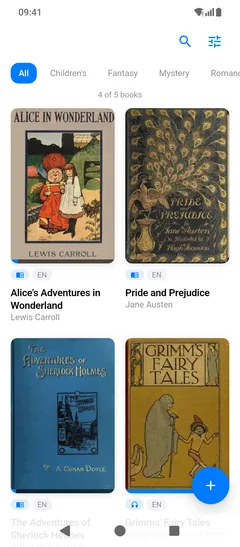
Or have it read to you.
Text-to-speech reads EPUBs aloud in your device’s own voices. The sentence being read is highlighted, and you can pause, skip or change the speed.
1 Text-to-speech is for EPUB books and uses the voices installed on your device. PDFs are not read aloud.
Start with 5 books.
Free on the App Store and Google Play.